

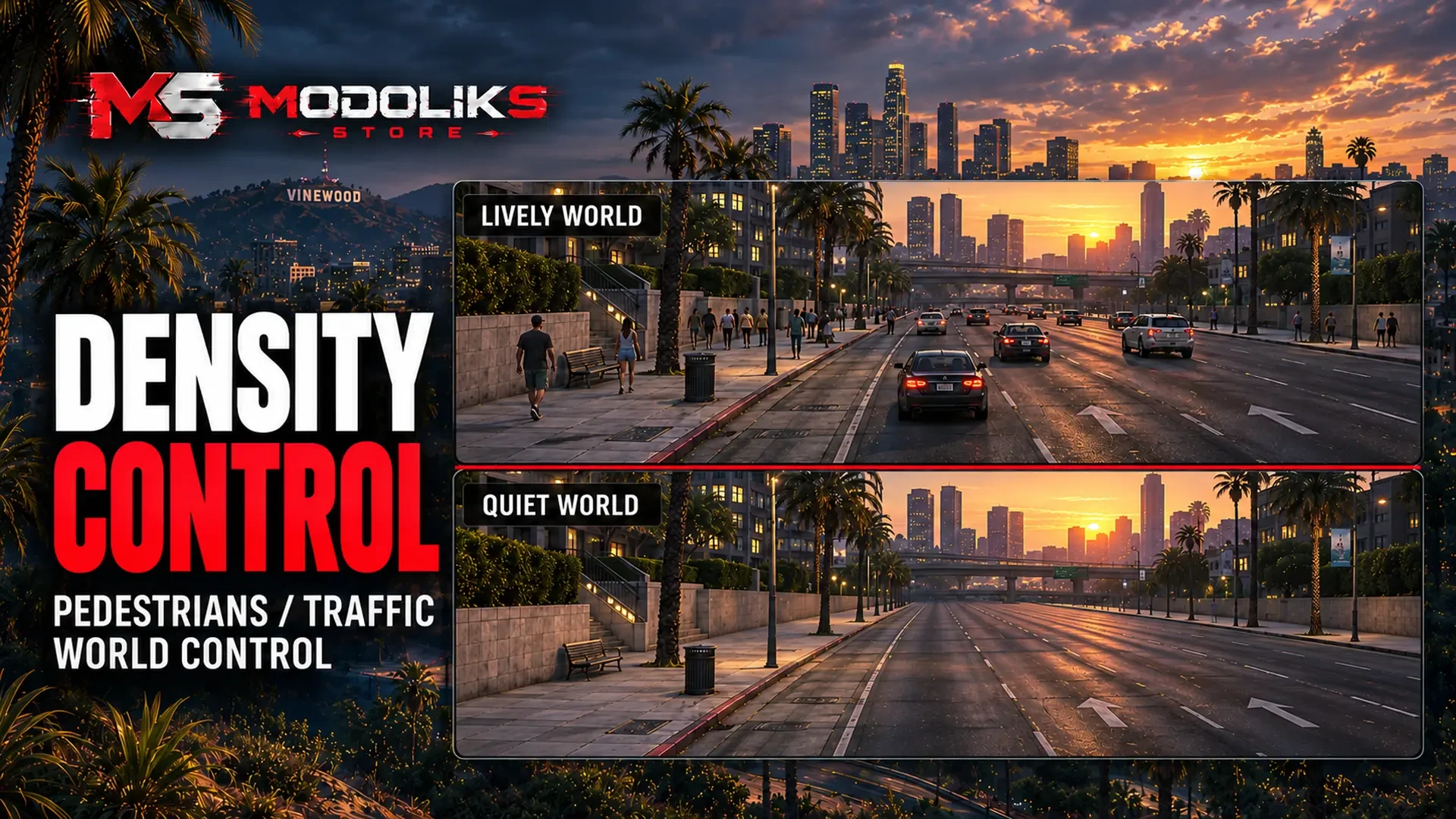
MODOLIKS / World population / Traffic / Ambient systems
Density Control
Make the world follow your rules.
Shape the background activity of your FiveM server with MODOLIKS Density Control. Tune pedestrians and traffic, manage GTA emergency responses and remove unwanted ambient activity through one clear configuration. Keep the world busy where it suits your project, or make room for player-driven scenes.
01 / Features
▦ What you can do
01
Population & traffic
Set separate density multipliers for pedestrians, scenario pedestrians, moving vehicles, parked vehicles and random vehicles. Adjust population budgets and nearby vehicle generators. Values range from 0 for disabled to 1 for the default GTA density.
02
Ambient world behavior
Configure random police activity, garbage trucks, boats, trains, distant sirens, NPC weapon drops and selected ambient audio. Disable selected scenario types and groups, suppress specific vehicle models and adjust NPC relationship groups.
03
Emergency responses
Control vanilla dispatch services, wanted-level behavior, police ignore rules and police, ambulance or fire responses. These settings manage GTA background systems; your framework's player jobs and departments remain separate.
04
Nearby population cleanup
Remove existing ambient population within a configured radius when its density group is fully disabled. Configure the interval, startup pass and entity filters. Players and player-occupied vehicles are excluded from cleanup.
05
Routing-bucket population
Set population behavior for explicitly configured routing buckets when the required OneSync functionality is available. Server exports let other resources apply the configured buckets or change an individual bucket's population state.
06
Developer integration
Client exports provide density read, change and reset operations, with compatibility aliases for existing integrations. Client-side density changes apply locally. Startup messages report known overlapping resources so you can review conflicts before deployment.
02 / Make it yours
◇ Configuration & localization
Editable settings
shared/config.lua
- Population density: separate multipliers for pedestrians, scenario pedestrians, traffic, parked vehicles and random vehicles.
- Ambient activity: random police, garbage trucks, boats, trains, distant police sirens and NPC weapon drops.
- Ambient audio: audio suppression scene, police scanner and flight music.
- Population budgets: pedestrian and vehicle budgets for active and disabled population groups.
- Dispatch services: enable or disable selected GTA dispatch service IDs.
- Emergency response: wanted levels, police attention, police/ambulance/fire dispatch overrides and emergency vehicle model lists.
- Vehicle generators: suppression radius, low-priority generators, distant traffic, far-drawn vehicles and random parked vehicles.
- Scenario suppression: choose blocked scenario types and groups when vehicle density is zero.
- Vehicle suppression: choose ambient vehicle and aircraft models blocked when vehicle density is zero.
- World cleanup: startup delay, repeat interval, radius, NPC/vehicle removal, population filters and mission/network entity exclusions.
- NPC relationships: select relationship groups and their attitude toward players.
- Routing buckets: managed bucket IDs, population state, reapply interval and population behavior when the resource stops.
- Runtime controls: world-guard refresh interval, normal console output and compatibility warning checks.
Editable settings
locales/*.json
- Translations for console messages and compatibility notices.
03 / Included documentation
▤ Instructions in the archive
Installation instructions are included in the resource archive.
README-ENG.md contains the English guide, and README-RU.md contains the Russian guide.
04 / Explore & ask
↗ Preview & support
Try the resource on our preview servers. For questions about the resource, configuration or your project, use the MODOLIKS forum or contact us on Discord.
Optimized scripts
Clean, optimized scripts tested in-game for reliable performance and easy setup. Check each resource for dependencies and installation details.
Tested GTA V game builds: 3095, 3258, 3407, 3570, 3751, 3889.
Resource localizations
The resource interface automatically uses the language configured for your server or framework. Included translations can be edited.
Delivery & support
Automatic Tebex delivery, documentation and Discord support are included with every purchase.
For installation help, include the resource name, your framework and the error message or steps that reproduce the issue. For access questions, include your order details.